Freelancers
Track your own hours, keep projects organized, and turn approved time into invoices faster.
Account access and online checkout are currently under maintenance. Email [email protected] for setup, support, or purchase help.

FreelanceTracker.ai combines timers, timesheets, project budgets, approvals, invoice-ready records, and payout workflows in one clean operating system for freelancers, agencies, and distributed teams.
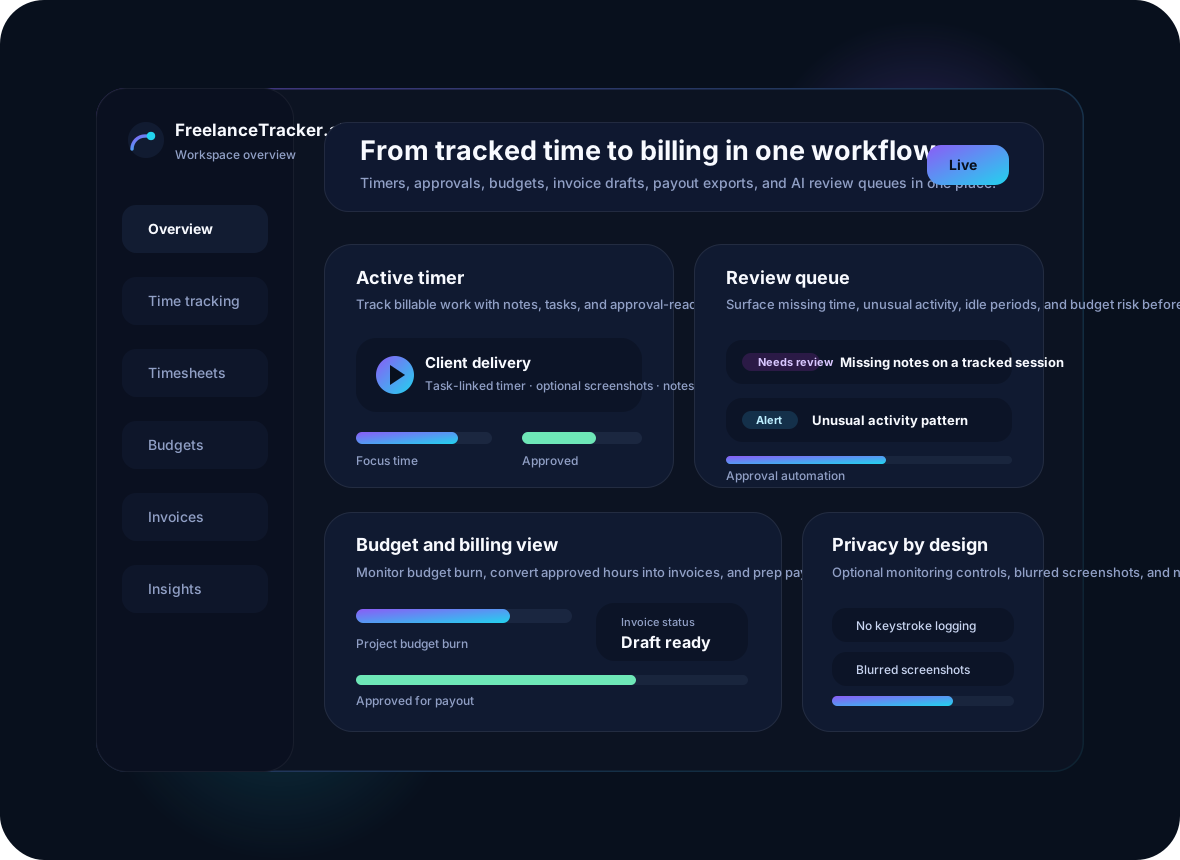
Use it to coordinate solo work, agency execution, client services, outsourced operations, and distributed teams that need visibility without creating extra admin.
Track your own hours, keep projects organized, and turn approved time into invoices faster.
Manage managers, reviewers, and contributors across multiple clients, budgets, and deliverables.
Use proof of work, notes, and approvals to keep client work transparent and easy to verify.
Combine manual time, mobile tracking, schedules, and optional location-based workflows when needed.
The product scope mirrors the category leaders: time tracking across devices, productivity context, project profitability controls, approvals, and payout workflows.
Track time on desktop, web, or mobile, log work against projects and tasks, add notes, and keep manual entry available for edge cases.
Turn tracked sessions into approval-ready timesheets so admins can review work without chasing people for updates.
Use activity levels, app and URL categories, idle indicators, and optional screenshots to understand work context without capturing keystrokes or private content.
Set pay rates and bill rates, track burn against budgets, and give managers or clients a clean view of approved work.
Convert approved time into invoice drafts, payroll exports, contractor payout files, and finance-ready summaries.
Detect unusual activity patterns, schedule gaps, budget overrun risk, and timesheets that need review before payroll or billing.
FreelanceTracker.ai is built to reduce manual follow-up and keep the handoff from tracked hours to approvals and billing clean.
Team members choose the timer or manual timesheet flow that matches their role, device, and work style.
Admins see missing time, unusual activity, idle periods, approvals waiting, and projects drifting toward budget risk.
Approved hours move into invoices, exports, payout workflows, and operational reporting with less cleanup work.
Admins decide which monitoring features are enabled, and the product should stay transparent about what is active. The goal is accountability and operational clarity — not invasive surveillance.
Time entries, project and task selection, notes, activity levels, app and URL categories, optional screenshots, optional location for field work, approvals, and audit events.
Keystroke content, email or chat message content, webcam or video feeds, and audio recording.
Online checkout is currently under maintenance, so every plan is available through manual onboarding by email.
For freelancers and lean teams that need reliable tracking, simple approvals, and invoice-ready records.
For agencies and multi-manager operations that need stronger controls, reviews, and financial visibility.
For high-volume organizations that need procurement support, governance, and a tailored rollout.
Everything account-related routes through maintenance and email support right now.
Yes. The Starter plan is structured for solo freelancers and small teams that want time tracking, budgets, and invoice-ready workflows.
Desktop, web, and mobile are covered in the product scope so teams can track time in the environment that fits their role.
Yes. Those controls are optional and should be configurable by workspace admins rather than forced on every team.
Yes. The product scope includes approved-work visibility, exported reporting, and invoice-ready summaries that can be shared with clients.
Not at the moment. Sign in, account creation, and checkout all route to maintenance pages. For access or purchases, email [email protected].
Email [email protected]. There is no contact form on this site, by request.